Free Detailed view of a silver laptop showing keyboard and multiple ports. Stock Photo

The “Zombie” SaaS Audit: Finding the 3 Apps Your Former Employees Still Access

By IT Management

Someone leaves the company on a Friday. By Monday, their email account is disabled, and their laptop is back in the pile. What nobody checks is their login to the project management tool they signed up for in Q3, the cloud storage folder they shared with a contractor, or the CRM access they still have from two roles ago.  Three months later, those sessions are still active. This is how zombie accounts form. nNot through negligence, but through an offboarding process built around corporate IT assets that no longer reflects how people actually use software.  The average company now runs…

Read More
Person using laptop photo

Stop the Bleeding: How Revoking Admin Rights Eliminates Support Tickets

By IT Management

The most time-consuming ticket in your queue is rarely a hardware failure. It’s the PC infection that started when a user installed something they shouldn’t have been able to. Or it’s the broken configuration left behind after someone changed a setting IT can’t trace. Local administrator rights (the ability to install software, modify system settings, and override security controls) are given to end users far more often than the risk warrants.  The usual reason is efficiency.  The practical result is the opposite. Machines that drift from baseline, infections that spread before they are caught, and remediation tickets nobody planned for….

Read More
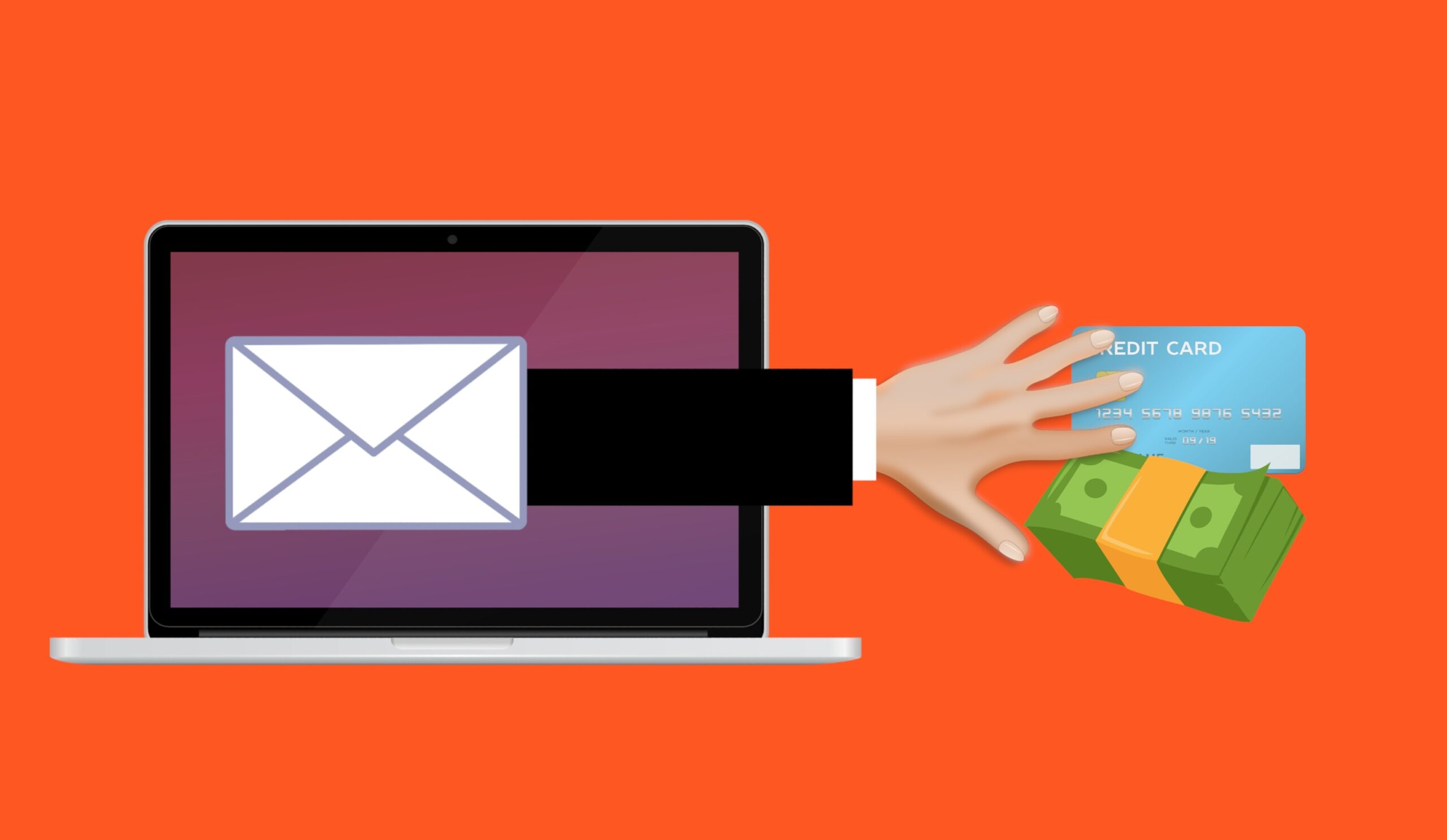
Free scam phishing fraud vector

Is Your Invoice a Deepfake? Securing Your Accounts Payable Process Against Voice and Email Cloning

By Cybersecurity

It’s a statistic that sends a shiver down the backs of SME owners, managers and employees.   According to the FBI’s 2025 Internet Crime Report, business email compromise (BEC) cost US businesses more than $3 billion last year. This makes it one of the most financially damaging cybercrimes on record.  AI has made these attacks harder to detect. The question for AP teams is no longer whether they can identify suspicious requests. It is whether the processes around payments make fraud difficult regardless of how convincing it looks. Why AP Teams Are in the Crosshairs Accounts payable sits at the intersection…

Read More
Free hacker anonymous cybersecurity vector

Adversary-in-the-Middle Attacks: How Phishing Sites Steal Your Active Login

By Cybersecurity

You click a link, sign in, approve the MFA prompt, and get on with your day. Completely unaware that someone else just logged into your account at the same moment. That scenario surprises many businesses, particularly those that rely on multi-factor authentication (MFA) to protect cloud accounts. But this is exactly how Adversary-in-the-Middle (AiTM) phishing attacks work.  Rather than stealing passwords for later use, these attacks silently hijack an already-authenticated session in real time. MFA remains a core control, and getting it implemented correctly is still a critical first step for any business.  But AiTM attacks exploit something MFA was…

Read More
Free attack unsecured laptop vector

The “Session Cookie” Hijack: Why MFA Can’t Always Save You

By Cybersecurity

MFA is a strong front-door lock. But it’s not the only thing that decides whether someone can get in. After you sign in, your browser keeps you logged in using a session token (often stored as a cookie). It’s the digital version of a wristband at an event: once you’ve been checked, the wristband proves you belong there. If an attacker steals that wristband, they may not need to beat your MFA prompt at all. That’s the core of session cookie hijacking. The attacker isn’t “cracking” MFA. They’re skipping it by replaying your already authenticated session. This isn’t a reason…

Read More

The “Legacy Debt” Audit: Identifying the 3 Oldest Risks in Your Server Room

By IT Management

The most dangerous thing in a server room is often the phrase, “Don’t touch that.” It’s usually said with a half-joke and a grimace. It refers to the old box that “still works”, runs something important, and has survived so many fixes and workarounds that nobody feels confident changing it anymore. That’s legacy debt.  Not just “old tech”, but old tech that’s become a dependency. It’s the kind that quietly accumulates risk until it turns into downtime, security exposure, or an emergency upgrade at the worst possible time. A legacy debt audit is the fast way to bring that risk…

Read More
A man sitting at a table with a laptop and cell phone

The “Backup Exit” Strategy: Can You Move Your Data Without the Vendor’s Help?

By IT Management

When you first sign up for a software-as-a-service (SaaS) platform, everything is designed to feel effortless.  The problem is that the first real test of a SaaS relationship isn’t the onboarding. It’s the exit.  For many small businesses, the front door is wide open, but the emergency exit is bolted shut: exports are incomplete, key data sits in proprietary formats, and leaving requires expensive vendor help. That’s more than inconvenient. It’s a business risk.  As teams move toward a workforce blended with humans and Agentic AI in 2026, your advantage will come from data you can move, reuse, and trust….

Read More
Free ai generated cybersecurity digital shield illustration

Micro-SaaS Vetting: The 5-Minute Security Check for Browser Add-ons

By Cybersecurity

Browser add-ons have a funny reputation. They feel “small”. A quick install. A tiny productivity boost. A harmless little helper that lives in your toolbar. But in practice, a browser extension is more like a micro-SaaS vendor sitting inside your browser session. It can see what you see, interact with the pages you open, and sometimes access the same cloud apps your business runs on all day. That’s why a browser extension security check matters.  Not because every extension is bad, but because it only takes one over-permissioned add-on or one bad update to turn “helpful” into exposure. The good…

Read More
Free antivirus security privacy illustration

LinkedIn “Social Engineering”: Protecting Your Staff from Fake Recruitment Scams

By Online Presence

A fake recruiter message is one of the cleanest social engineering tricks around because it doesn’t look like a trick. That’s why LinkedIn recruitment scams work so well inside real businesses.  They don’t arrive as malware. They arrive as a normal conversation that nudges someone toward one small action: click this link, open this file, “verify” this detail, move the chat to a different app. A few simple checks, a couple of hard-stop rules, and an easy way to report suspicious outreach can shut these scams down without slowing anyone down. LinkedIn Recruitment Scams LinkedIn recruitment scams artfully blend into…

Read More
Free cyber security digital cyber illustration

“Clean Desk” 2.0: Securing Your Home Office from Physical Data Leaks

By Working from Home

In the traditional office, a “Clean Desk” policy was a simple habit: shred the sensitive stuff, lock it away, and don’t leave passwords where someone can see them. In 2026, the same idea still matters but the “desk” has changed.  For many teams, the home office is now the default workspace, and that means physical access can quickly become digital access. An unlocked screen, a shared device, or a laptop left in the wrong place can expose the same systems your business runs on every day. Clean Desk 2.0 isn’t about aesthetics. It’s about securing the physical-to-digital bridge.  If a…

Read More