Category

Microsoft

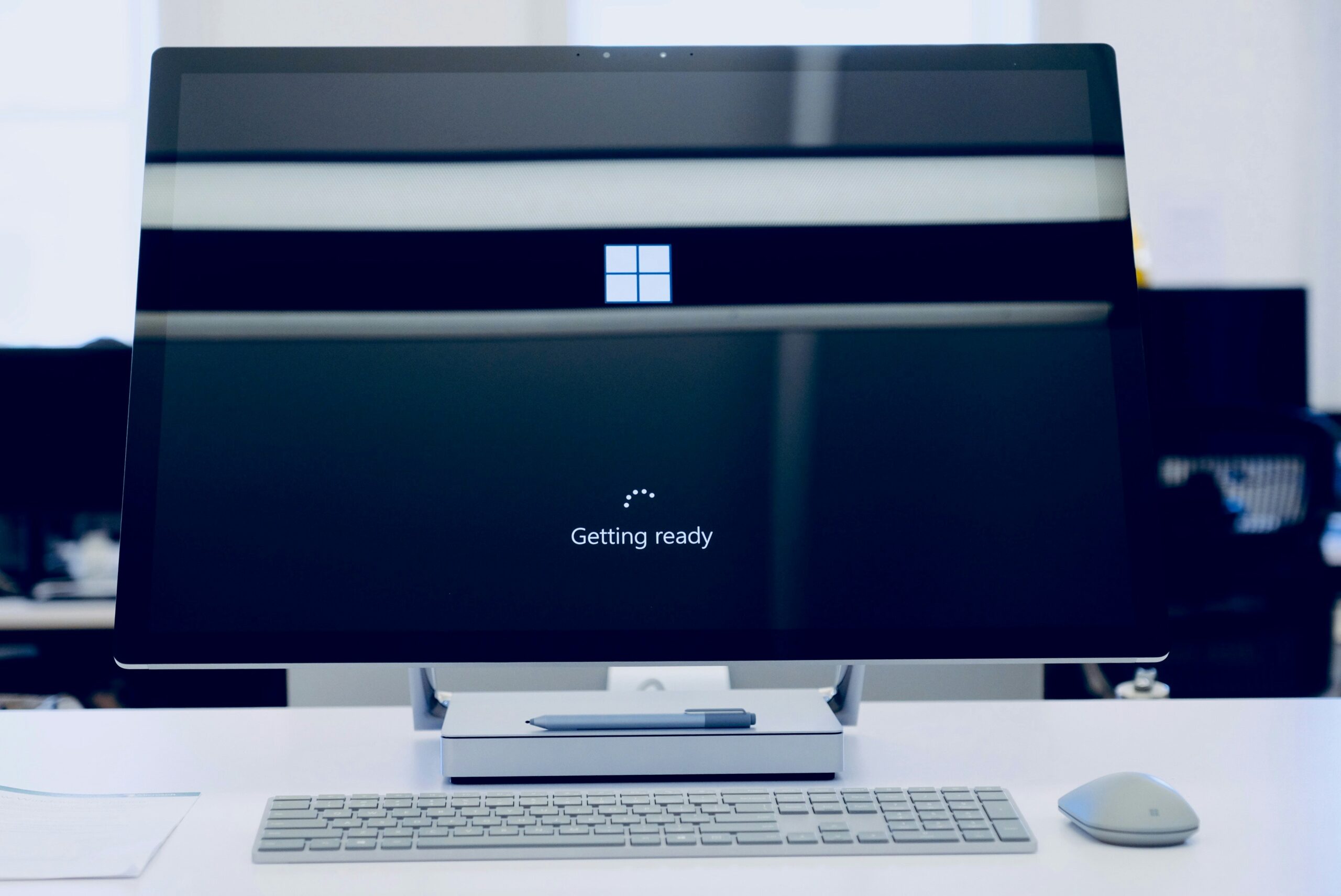
flat-screen-computer-monitor-turned-on

Still on Windows 10? Here’s Why You’re Putting Your Business at Risk

By Microsoft

Article Summary: Windows 10 reached the end of Microsoft support on October 14, 2025, which means it no longer gets security updates. The computers still work, but any new flaw found in Windows 10 will never be fixed, which makes them easier to attack and can cause problems with compliance and cyber insurance. You have three options: upgrade eligible PCs to Windows 11 for free, pay for Extended Security Updates as a short-term bridge, or replace machines too old to upgrade. Microsoft stopped supporting Windows 10 on October 14, 2025. If your business is still running it, and plenty are,…

Read More
Free A concentrated professional working at a computer in a modern office setting. Stock Photo

5 Microsoft 365 Settings Worth Checking in Your Tenant

By Microsoft

Microsoft has tightened several default settings in Microsoft 365 over the past few years. Newer tenants get more protection out of the box than tenants set up before 2022 or so. The problem is that legacy configurations stay in place. A setting changed for new tenants in 2024 doesn’t retroactively change in yours, and historical user consents, inbox rules, or sharing links granted before the change are still active. Here are five settings worth checking in your tenant, especially if it’s more than two or three years old, was set up by a previous IT provider, or has not been…

Read More
Free A hand using a wireless mouse at a modern desk setup with a computer and keyboard. Stock Photo

Beyond Licensing: How to Stop Wasting Money onYour Microsoft 365 Security and Copilot Add-Ons

By Microsoft

Microsoft 365 is a powerful platform that helps a business in many ways. It boosts collaboration and streamlines operations, among other benefits. However, many companies waste money on unnecessary licenses and features that are not fully used.  Fortunately, you can avoid this waste and take your business to the next level by adopting smarter use of M365 security and Copilot add-ons. This article will provide practical insights, help you avoid costly mistakes, and support you in making informed decisions that fit your business objectives. What Does Microsoft 365 Provide as Baseline Security & Copilot Features?  Even without premium add-ons, Microsoft…

Read More
Person using Macbook Pro

Essential Settings to Maximize Your Microsoft 365 Experience 

By Microsoft

Microsoft 365 is a powerful suite of tools. It helps to enhance productivity and collaboration. This is especially true for small to mid-sized businesses (SMBs). But to get the most out of Microsoft 365, it’s important to optimize its settings. Otherwise, you may only be using a fraction of the power you have. Ready to get more from your M365 business subscription? This blog post will guide you through essential settings to power up your use of Microsoft 365. 1. Optimize Email with Outlook Features Set Up Focused Inbox Focused Inbox helps you manage your email more efficiently. It separates…

Read More
Three people in a meeting at a table discussing schedule on their Microsoft laptop

Introducing the New Microsoft Planner (Everything You Need to Know)

By Microsoft

Calendars, task lists, and project planning are important business tools. Many people use Microsoft’s apps to power these processes. Including Planner, Microsoft To Do, and Project for the web. These tools help keep processes on track and enable task accountability. But they’re separate apps. Switching between apps can be cumbersome. It adds more complexity to a workflow. On average, employees switch between 22 different apps 350 times per day. Microsoft is putting a dent in app overload. The company is rolling out a brand-new version of Microsoft Planner in early 2024. It’s packed with exciting features designed to simplify your…

Read More
closeup photo of turned-on blue and white laptop computer

What Is Microsoft Security Copilot? Should You Use It?

By Microsoft

It can be challenging to keep up with the ever-evolving cyber threat landscape. Companies need to process large amounts of data. As well as respond to incidents quickly and effectively. Managing an organization’s security posture is complex. That’s where Microsoft Security Copilot comes in. Microsoft Security Copilot is a generative AI-powered security solution. It provides tailored insights that empower your team to defend your network. It works with other Microsoft security products. It also integrates with natural language to generate tailored guidance and insights. In this article, we will explain what Microsoft Security Copilot is. We’ll explore its benefits and…

Read More